Reports
How do I generate a report from Humanlot?
Simply select the information you would like to be included in this report by ticking.
Select the Date Range / Pay Cycle from which you would like this information.
Define the employees to be included.
Select the type of file format you would like the
report to be generated in [PDF/ Excel]
Click 'Generate Report' and now the report will be generated!
Insights
Insights breaks down all the calculations related to the Attendance.
Such as:
Late Minutes
Out Minutes
Overtime
Absent
Break
Leave
Average worked hours.
Overview of the Inights
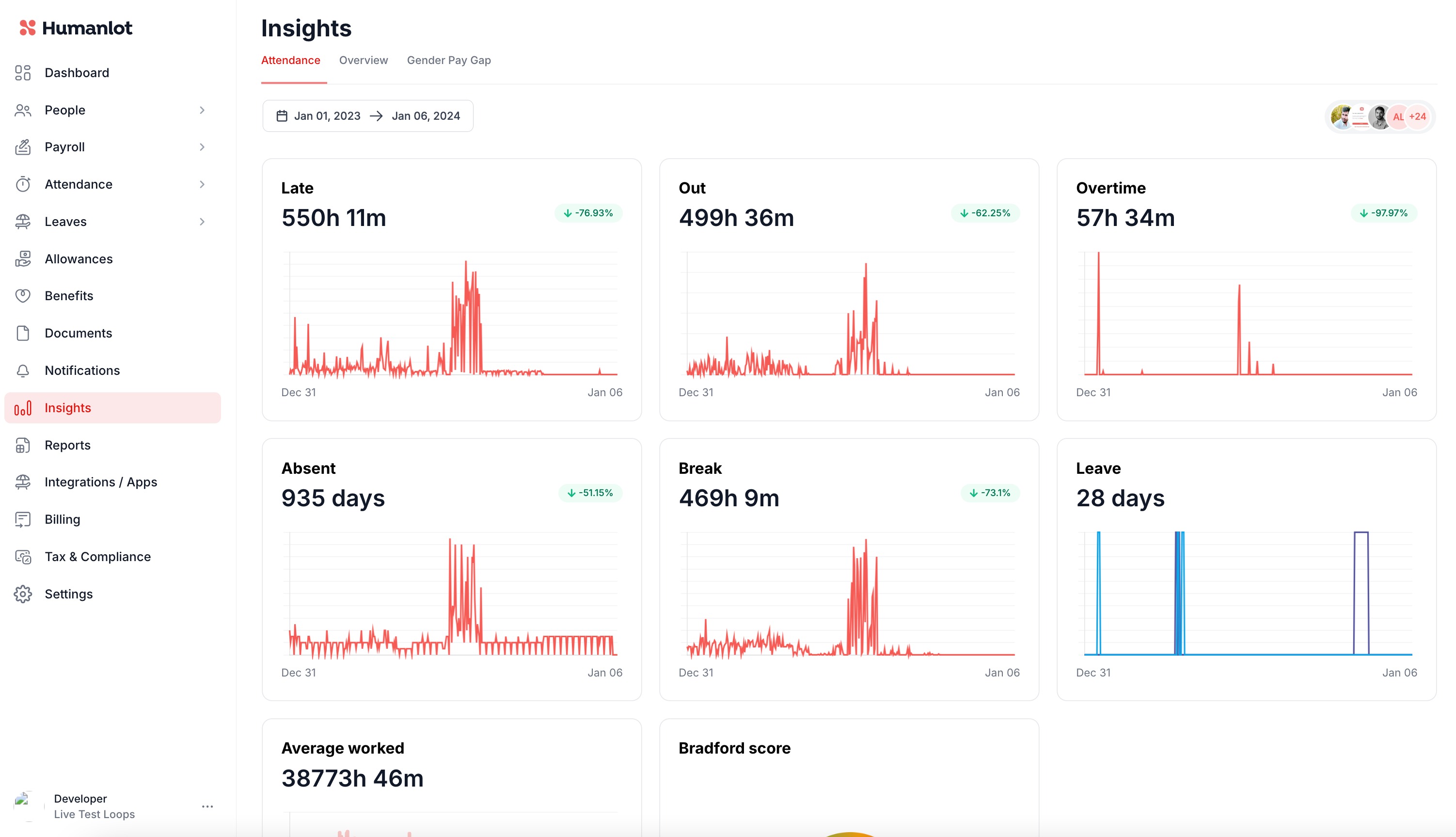
From the inital overview the insights will be generated company wide, as you scroll down. You'll see the insights broken down to separate employee details as well.The option to download this information is available as well.

Was this article helpful?
That’s Great!
Thank you for your feedback
Sorry! We couldn't be helpful
Thank you for your feedback
Feedback sent
We appreciate your effort and will try to fix the article