Using the Tracking Calendar to check attendance of employees
Humanlot provides real-time attendance markers: you’ll instantly see who has clocked in or out via any configured method—biometric, virtual, or GPS-enabled.
Active entries are updated live, so supervisors can monitor attendance throughout the day
Go to Attendance > Tracking

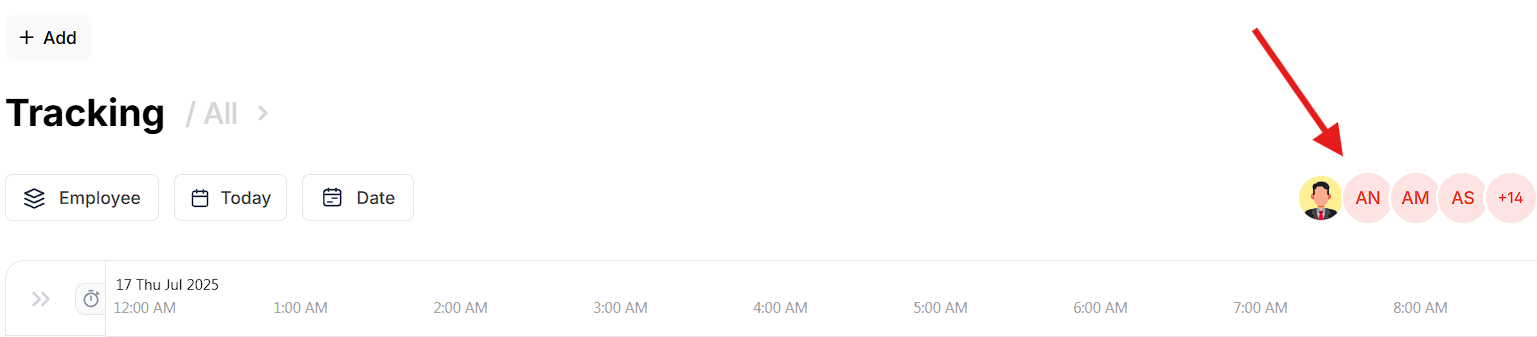
By clicking on the employee button you can group by employees or department.
''Today'' button toggles a calendar
''Date'' button allows to filter between date or pay period
By clicking clicking on the buttons ( shown below ) you can filter by employees

Was this article helpful?
That’s Great!
Thank you for your feedback
Sorry! We couldn't be helpful
Thank you for your feedback
Feedback sent
We appreciate your effort and will try to fix the article